
Find it. Keep it.






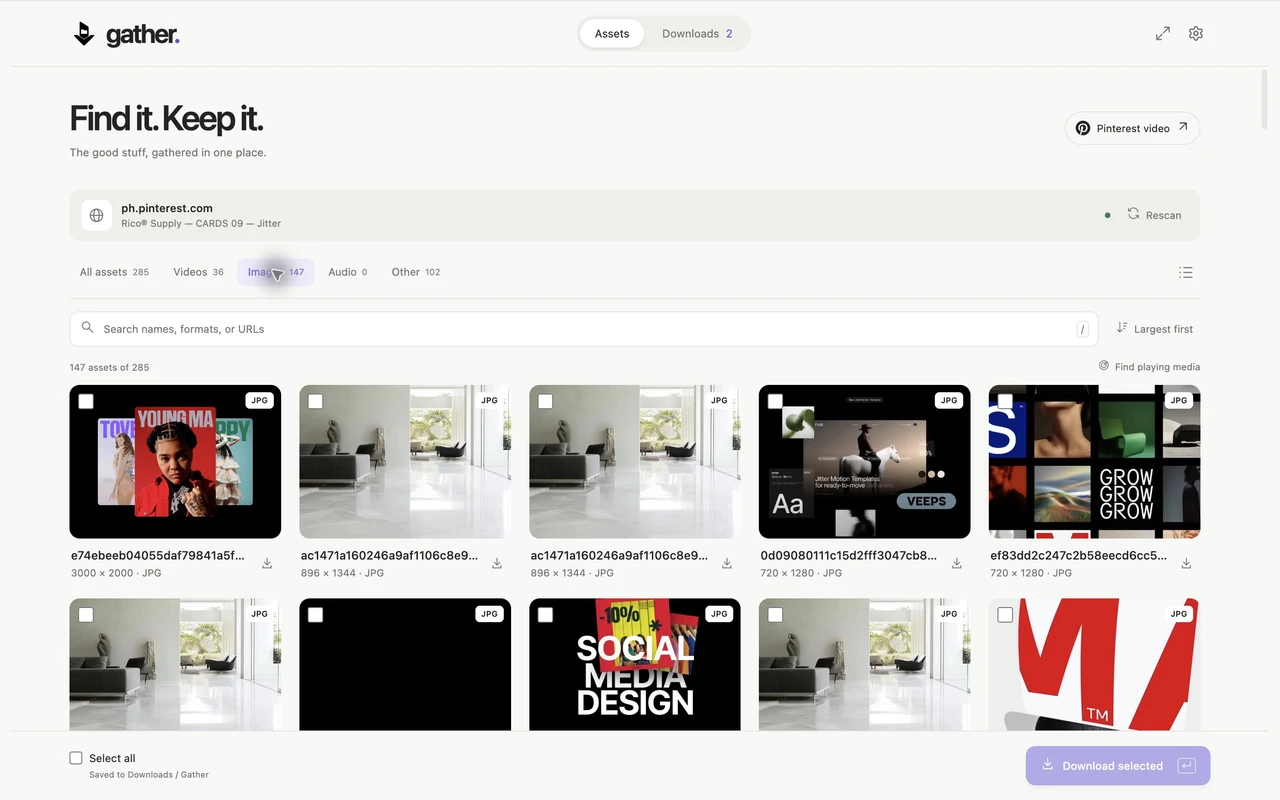
Gather turns a page full of assets into a clear collection you can search, preview and save. Built for Chrome, with a dedicated Pinterest pin tool and optional listening for media that appears during playback.
Coming to the Chrome Web Store. Public installation is pending. In the meantime, explore the workflow below or read the privacy policy.
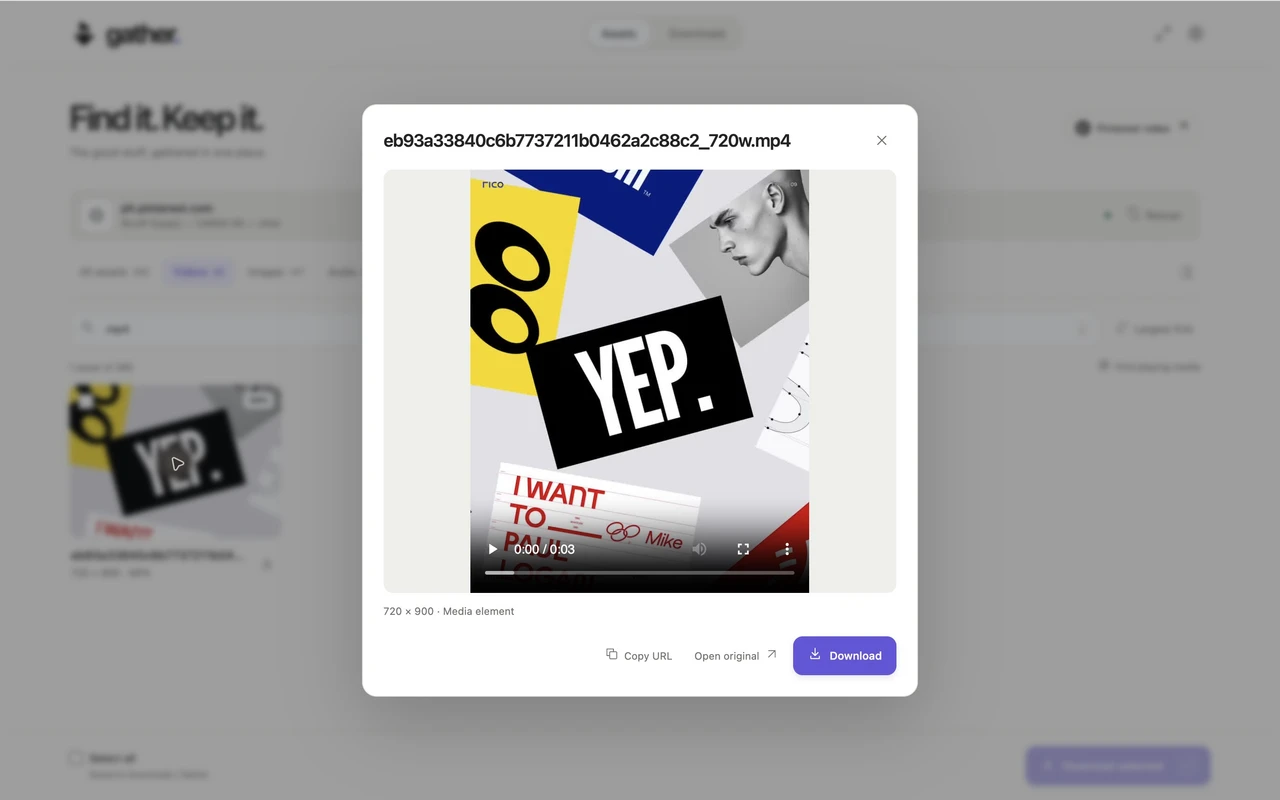
Find the file. Check it. Keep it.
Open Gather on a website to collect its accessible images, videos, audio, fonts and documents in one workspace. Filter by type, search filenames and preview media before saving it.
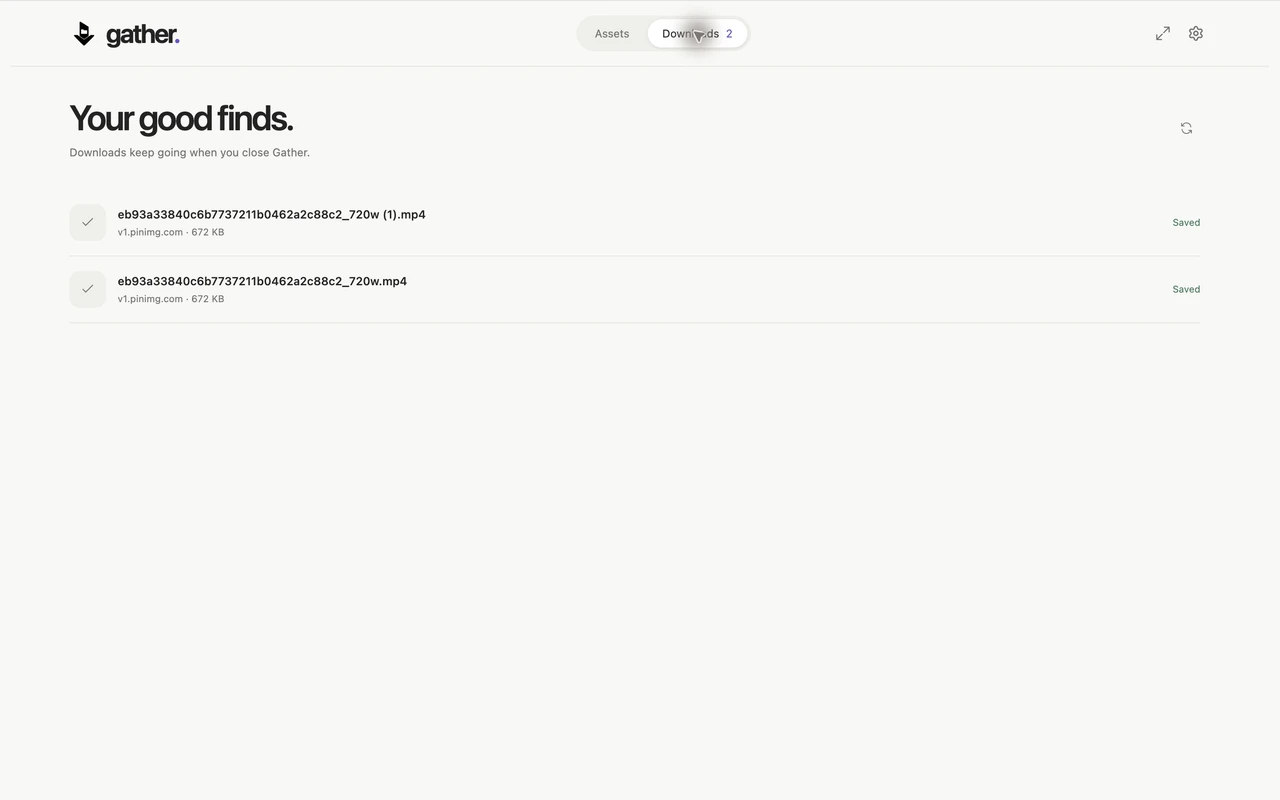
Download one file or a batch of up to 100. Gather organises files under Downloads/Gather by website, and its Downloads view shows Chrome's actual completion or interruption status.
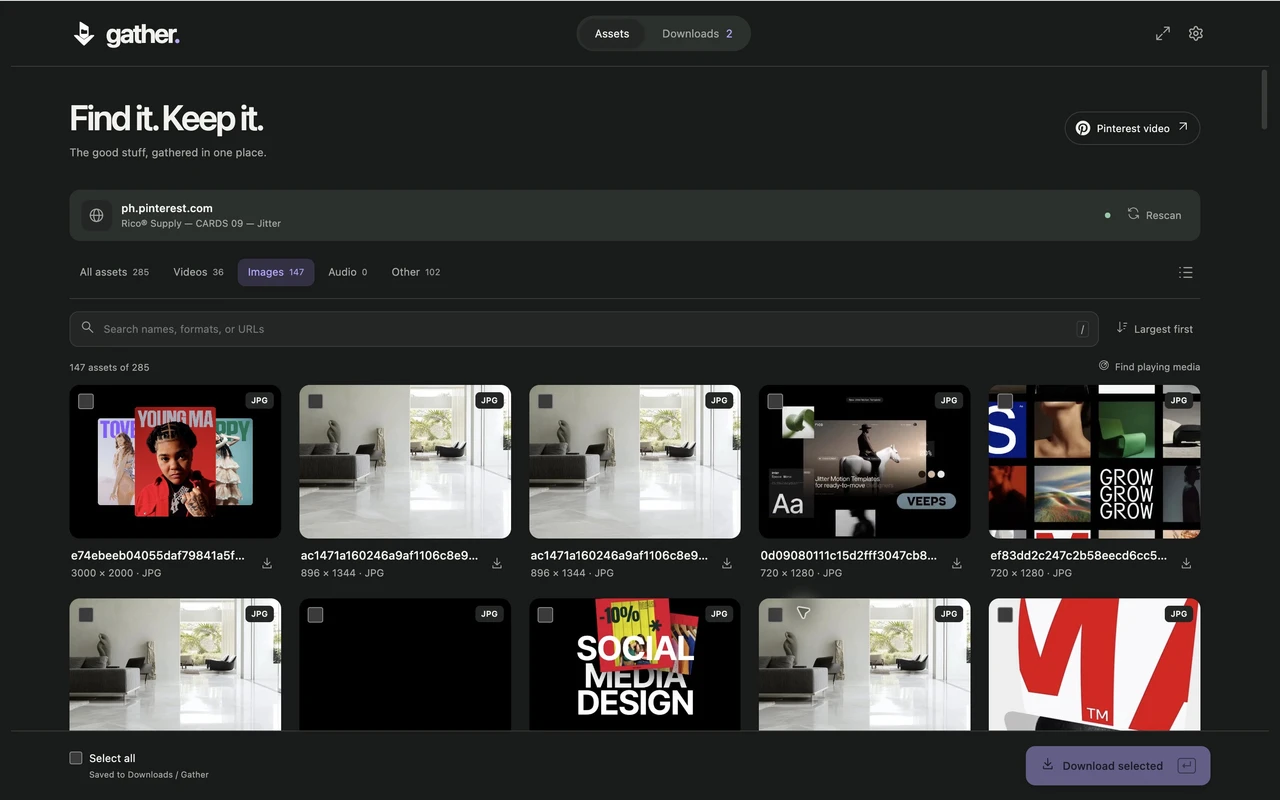
Expand the popup when you need more room, switch between grid and list views, and choose a light or dark appearance that stays saved for next time.
An easier way to save Pinterest videos
Open an individual Pinterest pin, play the video, then open Gather and choose Videos. If the page exposes a direct video file, you can preview and download it.
You can also use the Pinterest video tool to paste a full pin link. Gather asks for Pinterest access, opens the pin in another tab and scans it. If the video loads later, switch to that tab, play it and rescan.
- Open the pin and let its video load.
- Click Gather, choose Videos and preview the matching file.
- Choose Download, then check its status in Downloads.
Find media that loads when you play it
Some pages reveal a video source only after playback begins. Find playing media can listen for resource requests in the tab you choose. Enable it, approve Chrome's optional website access, play the media and rescan.
Listening is off by default. Stop it from Gather, close the source tab, or remove additional website access in settings. Moving to a different website origin also stops listening for that tab.
Local processing. Direct downloads.
Gather processes the chosen page's address, title and asset information on your device. Temporary scan results stay in browser session storage. Preferences and up to 250 Gather download IDs persist locally.
Thumbnails, previews and downloads connect directly to the original websites and media hosts. The extension has no account, analytics service or developer-operated upload server.
Read the Gather privacy policy for permissions, retention and the information these direct requests share.
What Gather can and cannot save
Gather saves accessible direct HTTP/HTTPS files. It does not bypass access controls or DRM, assemble segmented HLS/DASH streams, or turn temporary blob URLs into complete videos. Websites may also block previews, expire links or restrict downloads.
During a signed-in test on October 21, 2026, a Pinterest pin exposed a 720 × 900 MP4 and Chrome confirmed a 672 KB download. A separate signed-out test exposed only streaming playlists. Login state, playback and page changes can affect what is available.
Only save material you own or have permission to download. Gather is independent and is not affiliated with Pinterest.
Built for the files worth keeping
I built Gather to make collecting website assets easier, especially when a Pinterest video takes more effort to save than it should. It joins UnitShift and my other free tools.
Gather's Chrome Web Store release is pending. This page will link to the public listing when installation is available.
Questions or a file that will not download? Email contact@dixieraizpacheco.com. Include the public page URL and what happened. Avoid sending passwords, private page content or signed asset links.




Transform your website into a revenue-generating asset
Partner with an award-winning web designer and web developer from the Philippines, delivering world-class websites to global brands. 15+ years of experience creating sites that convert visitors into customers.
Frequently Asked Questions
-
The Chrome Web Store release is pending. A public installation link will be added here when it is available. Gather is built for Chrome 120 or later.
-
No. Gather can save a direct video file when Pinterest makes one available to your session. Login state and playback can affect discovery. Streaming playlists, protected media and temporary blob URLs are not supported as complete video downloads.
-
Scan results are processed locally and are not uploaded to a Gather service. Previews and downloads contact the original websites and media hosts directly. The privacy policy explains this distinction and what stays in local storage.
-
Media can load from a different CDN domain than the page. Optional HTTP/HTTPS access lets Gather discover those requests for the tab where you enable listening. Regular scanning works without that broad grant, and you can remove it in settings.